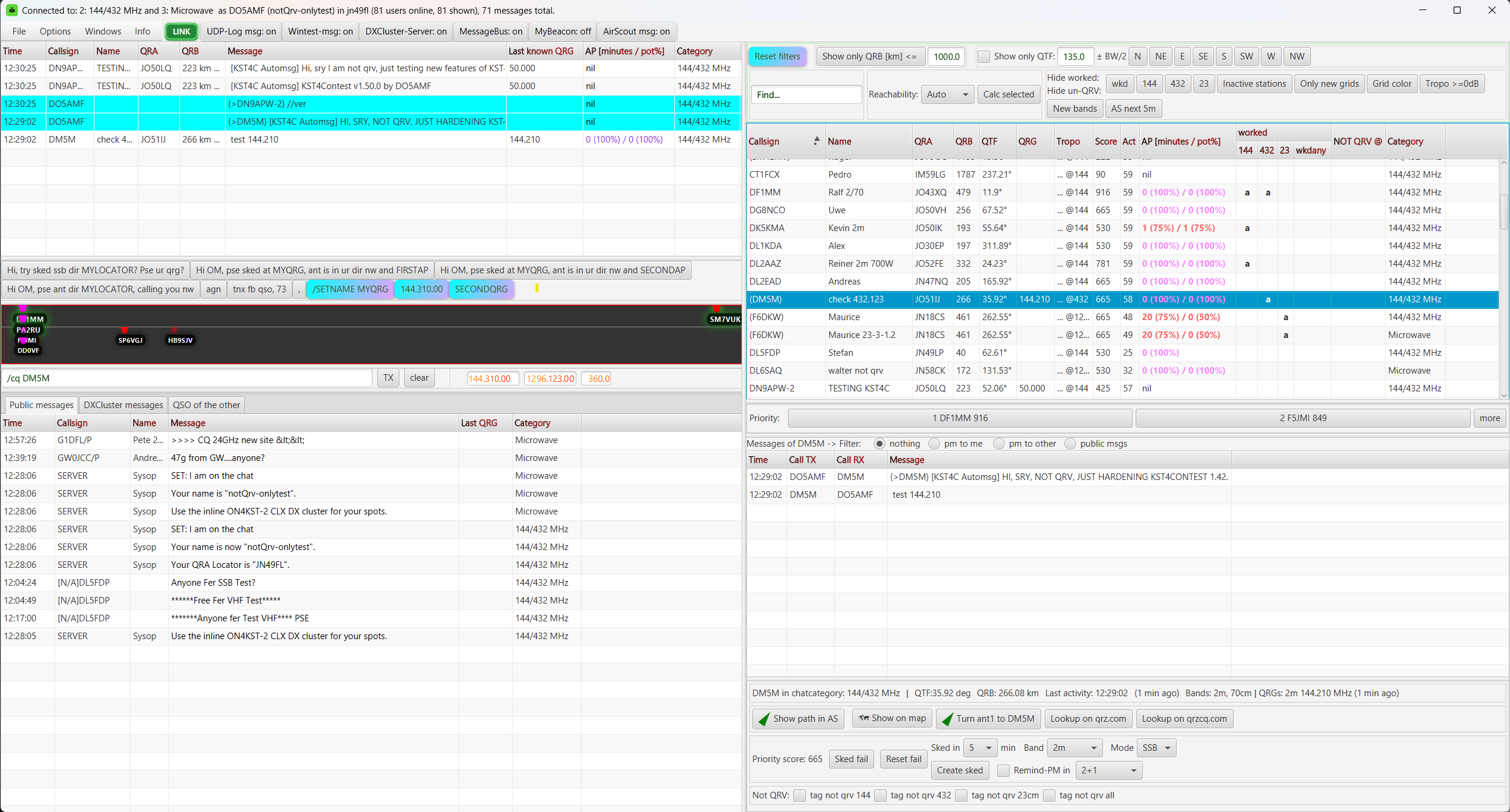
Main window · Light theme
The complete contest view brings chat messages, active bands, filters and priority candidates together.
Screenshots
Visual impressions of KST4Contest: ON4KST chat workflow, priority candidates, sked handling, AirScout integration and contest-focused operator tools.
Four working views
These screenshots were captured in a test environment. Version-like text inside chat messages is test data, not an announcement of a published KST4Contest version.
The complete contest view brings chat messages, active bands, filters and priority candidates together.
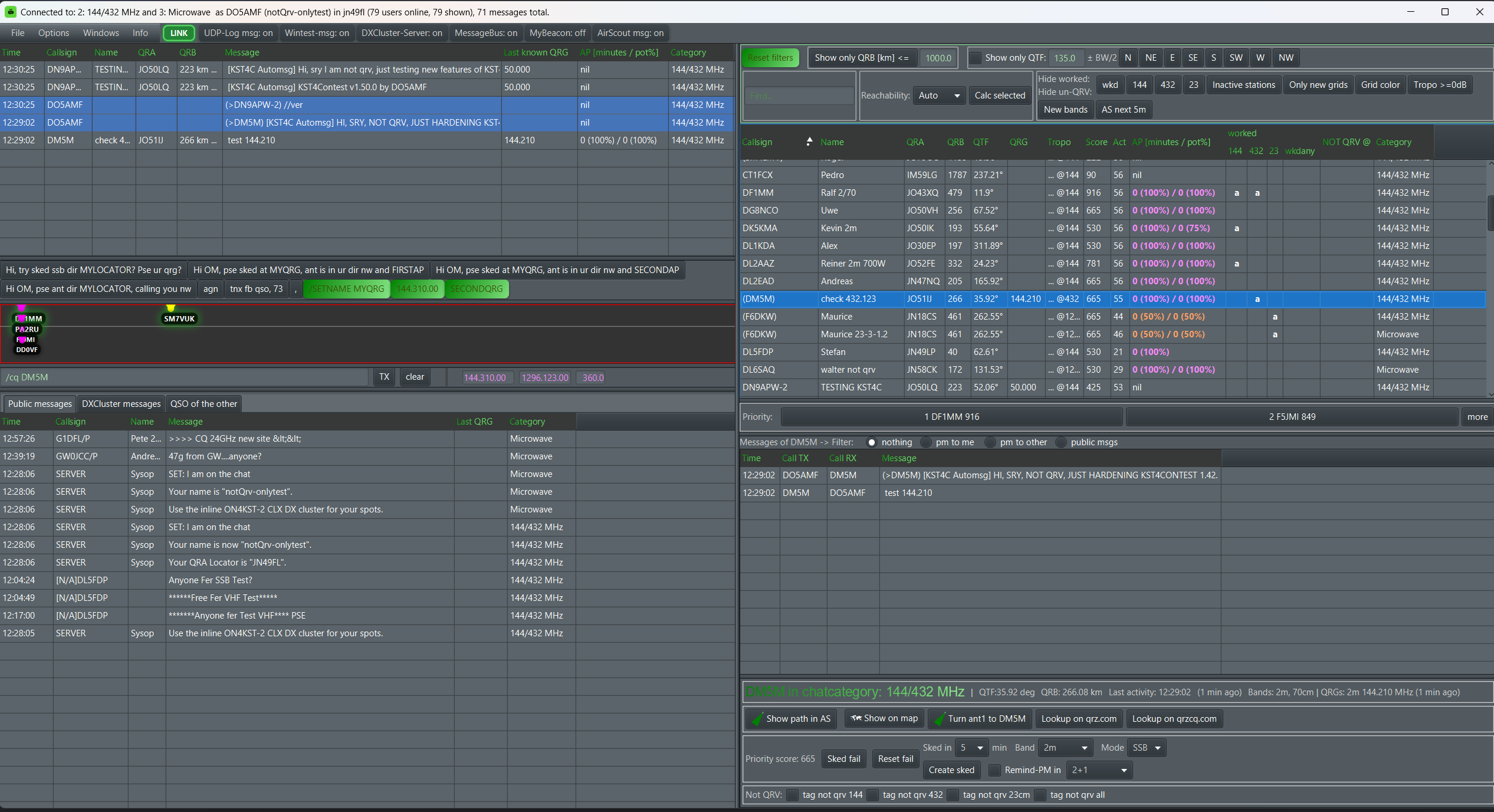
The same operating view in the dark theme, including worked status, candidate priorities and message preparation.

Skeds and Aircraft Scatter opportunities share one time axis, making upcoming operating windows easier to coordinate.
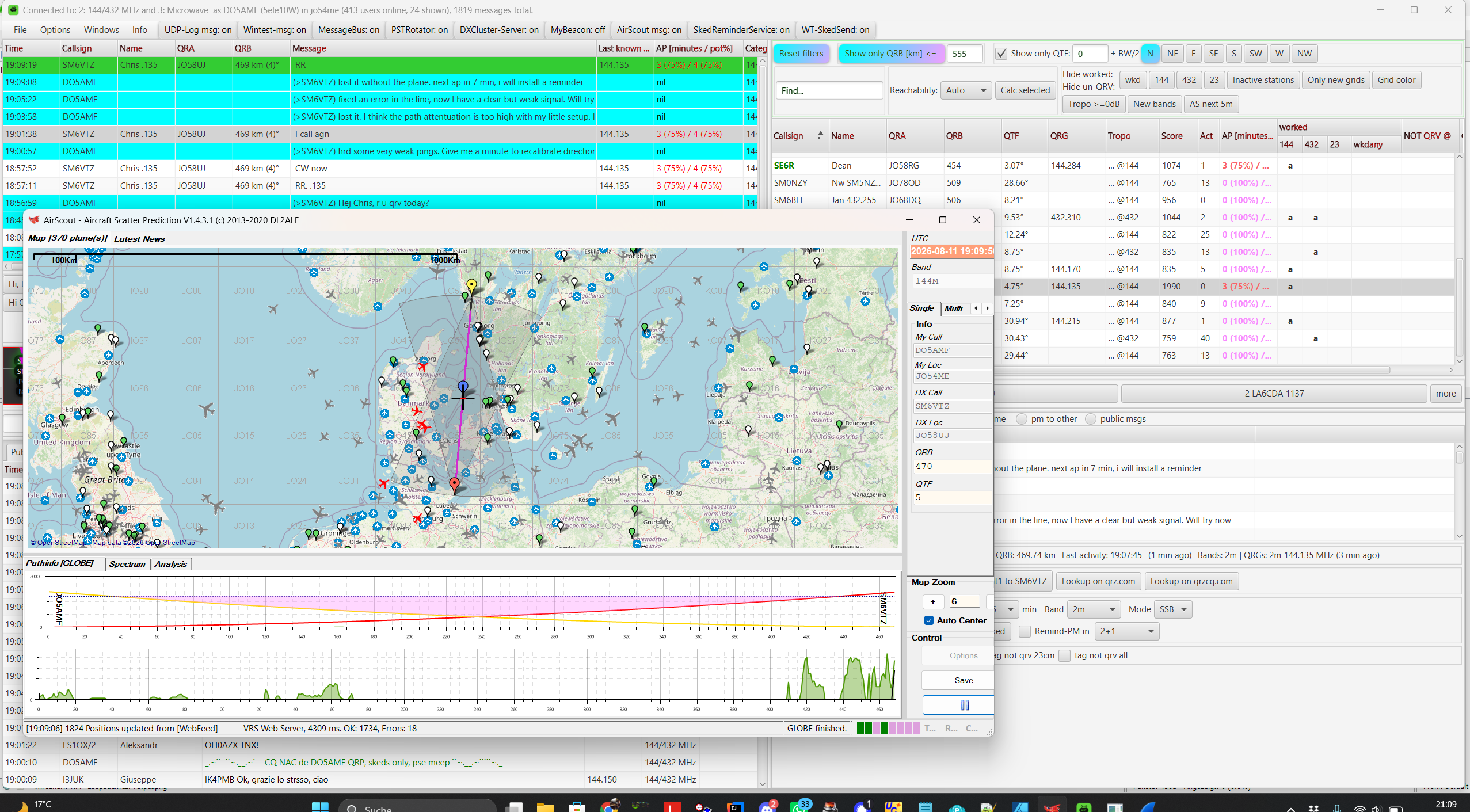
AirScout adds path and aircraft information while KST4Contest keeps the related chat and station context visible.